AI Sticker
Maker
Free AI sticker maker for WhatsApp, Telegram & more.
WhatsApp • Telegram • iMessage • Discord
Prompt PresetsCATALOG
⚽ Limited Edition
WC 2026 Expansion
Specialized tournament presets
“Standard lab protocols apply for tournament output”
Inspiration Flow
High-fidelity output from our 40+ laboratory variants
Click any unit to load the seed configuration
Recent Output
Live from the Lab
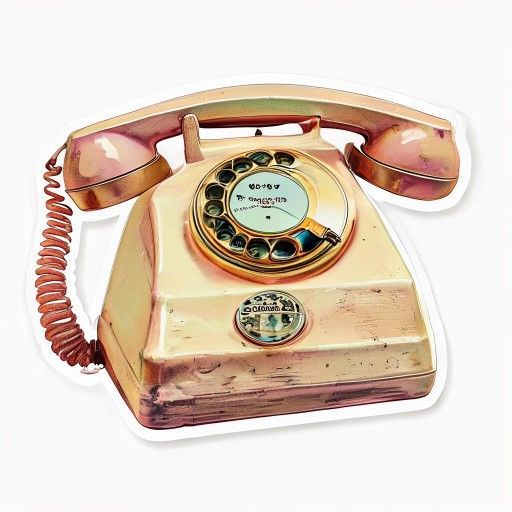
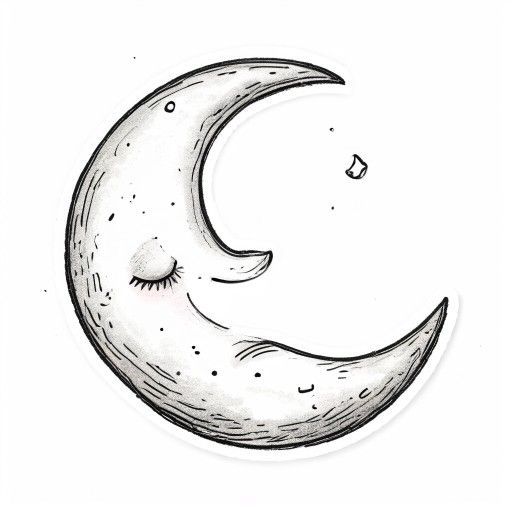
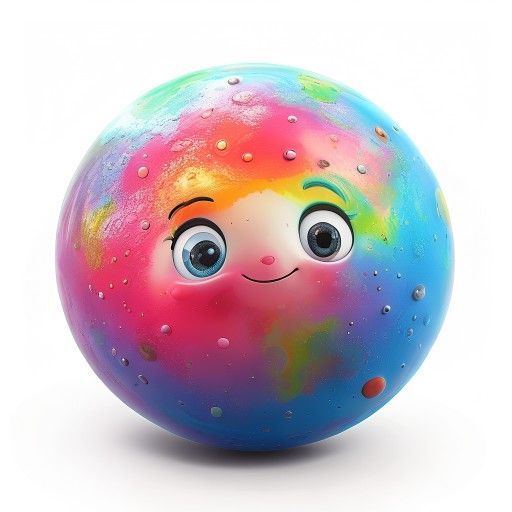
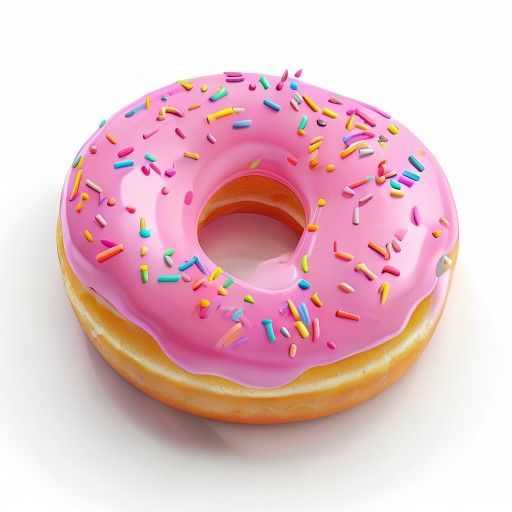
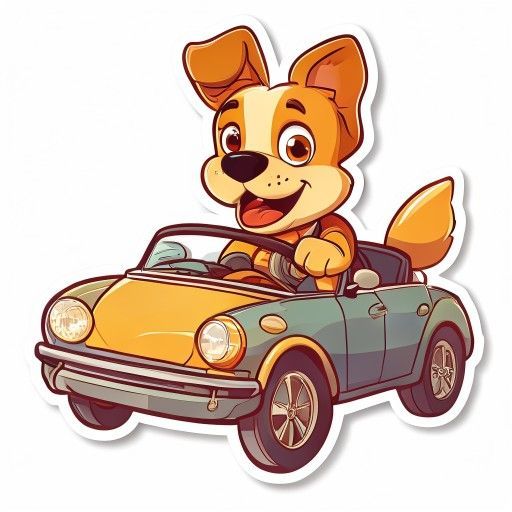
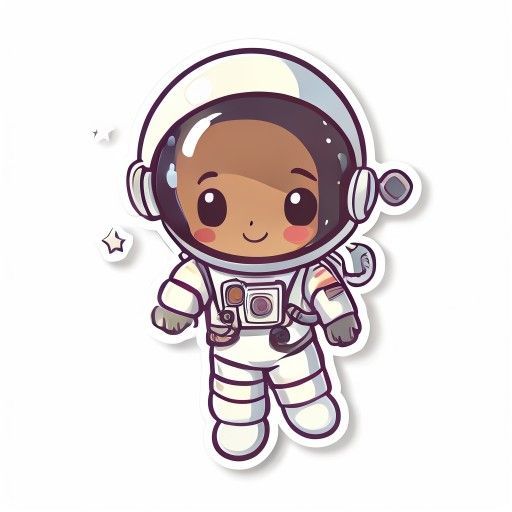
⚽ Limited Edition
World Cup 2026 Lab
Start the tournament →
Sticker Themes
Pick a theme and start creating your own stickers
The Process
3 Steps to physical stickers
Draft the Idea
Describe your subject in detail. The Sticker Lab works best with specific prompts like “a happy cat wearing sunglasses”.
Select Visual Engine
Pick from 8 precision engines (Kawaii, Chibi, Pixel Art, etc.) to set the artistic DNA of your creation.
Export to World
Download your high-res PNG and import it into WhatsApp, Telegram, or Discord. Instant digital presence.
Export AI Stickers for WhatsApp and Telegram
Works everywhere you chat
Download as PNG and import with a sticker pack tool.
Telegram
Download as PNG. Use @Stickers bot to create a sticker pack.
iMessage
Download as PNG. Use Sticker Maker Studio app to import.
Discord
Upload PNG stickers to your server. 320x320 recommended.
Frequently Asked Questions
Can I make WhatsApp stickers without downloading an app?▾
Yes! StickerAI at stickersit.com is a free web-based tool that works right in your browser — no app download, no installation, and no sign-up needed. Simply visit stickersit.com on any device (iPhone, Android phone, iPad, or computer), type your sticker idea in the text box — for example "a cute cat wearing sunglasses" — pick one of 8 artistic styles like Kawaii, Chibi, or Pixel Art, and click Generate. Your custom stickers are created by AI in about 30 seconds and can be downloaded as PNG files directly to your device. Unlike sticker maker apps from the App Store or Google Play, StickerAI requires zero installation and works across all platforms. You can generate unlimited stickers without ever creating an account or entering your email address.
How do I add AI stickers to WhatsApp?▾
Adding stickers from StickerAI to WhatsApp is simple and takes under a minute. First, generate your stickers on stickersit.com and download them as PNG images to your phone or computer. On your phone, open WhatsApp and go to any chat. Tap the sticker icon (the square smiley face next to the text input), then tap the "+" or "Add" button. Select the downloaded PNG files and they will appear in your sticker tray. For the best quality, each sticker should be 512x512 pixels — StickerAI generates them at this optimal size by default. You can also create themed packs of 3 to 12 stickers and import them all at once using third-party sticker pack tools like "Sticker Maker" (iOS) or "Personal Stickers for WhatsApp" (Android), which let you organize your AI-generated stickers into named collections.
Is this AI sticker maker really free?▾
Yes, StickerAI at stickersit.com is completely free with no sign-up, no email required, no credit card needed, and no watermarks on your downloaded stickers. Unlike many sticker maker apps that charge $2-5 for premium styles, limit you to 3 free stickers per day, or add visible watermarks to free downloads, StickerAI generates unlimited stickers at absolutely no cost. You can use all 8 styles — Cute Kawaii, Chibi, Pixel Art, Cartoon, Hand-drawn, 3D Rendered, Minimalist, and Retro/Vintage — without any daily limits, monthly caps, or hidden fees. The tool is supported by non-intrusive advertising, so there are no costs passed on to users. Whether you create 1 sticker or 100 stickers, the price is always $0. No premium tier exists because the entire feature set is free for everyone.
What sticker styles are available?▾
StickerAI offers 8 distinct artistic styles, each producing a completely different visual result from the same text prompt. Cute Kawaii creates pastel-colored, adorable stickers with soft shading and rounded shapes — perfect for sweet and gentle expressions. Chibi style gives characters oversized heads and small bodies in a Japanese anime-inspired look. Pixel Art renders your idea in 16-bit retro gaming aesthetics with visible pixels and nostalgic color palettes. Cartoon style produces bold, colorful illustrations with thick outlines — similar to Western animation. Hand-drawn creates a pencil sketch, doodle-style appearance with visible line work. 3D Rendered generates Pixar-quality three-dimensional stickers with realistic lighting and depth. Minimalist strips everything down to clean lines and simple shapes for a modern, elegant look. Retro/Vintage applies aged textures, faded colors, and nostalgic vibes reminiscent of 1970s-80s design. Try the same prompt across multiple styles to discover which artistic treatment best matches your vision.
Can I use these stickers for Telegram and iMessage too?▾
Yes! Stickers downloaded from stickersit.com as PNG files work with every major messaging platform that supports custom stickers. For Telegram, open the app and search for the @Stickers bot. Send it your PNG files one by one, give your pack a name and a short title, and it will create a shareable sticker pack that anyone on Telegram can install. For iMessage on iPhone, download a free app called "Sticker Maker Studio" from the App Store, import your PNG stickers, and they will appear in your iMessage sticker drawer. For Discord, go to your Server Settings, navigate to Stickers, and upload your PNG files — Discord recommends 320x320 pixels for the best display quality. Because StickerAI exports in the universal PNG format, your stickers are compatible with any messaging app that allows custom sticker imports, including Signal, LINE, and Viber.
How do I create a full WhatsApp sticker pack?▾
A great WhatsApp sticker pack needs at least 3 stickers, but we recommend 6-12 for a themed collection that feels complete. The key is consistency: use the same artistic style for all stickers in a pack, and keep the subjects related. For example, create a "Moods" pack with "an excited cat jumping", "a sleepy cat napping", and "a grumpy cat with crossed arms" — all in Kawaii style. Generate each sticker individually on stickersit.com, download them as PNG files, and then import them all at once using a sticker pack app like "Sticker Maker" (iOS) or "Personal Stickers for WhatsApp" (Android). Pro tip: name your pack something memorable and share it with friends via WhatsApp's built-in sticker sharing feature. For seasonal packs (Christmas, birthdays, World Cup), browse our themed pages at stickersit.com for pre-made prompt ideas.
What makes a good sticker prompt?▾
The secret to great AI stickers is being specific and descriptive with your prompt. Instead of a vague word like "cat", write a full sentence: "a happy orange tabby cat wearing a birthday party hat with colorful confetti falling around it". The best prompts include four elements: a subject (who or what), an emotion or expression (happy, surprised, sleepy), accessories or details (sunglasses, crown, cape), and an action or pose (dancing, hugging, waving). Examples of strong prompts: "a sleepy bulldog wearing a tiny nightcap hugging a pillow", "a cute avocado with tiny arms giving a thumbs up", or "a chibi astronaut floating in space with stars". Avoid abstract concepts like "freedom" or "love" — AI generates better results with concrete, visual descriptions. The more vivid details you provide, the closer the result will match what you imagine. Experiment with different styles for the same prompt to see how Kawaii, Pixel Art, or 3D Rendered change the mood.
Do I own the stickers I create?▾
Stickers generated by StickerAI at stickersit.com are created using AI image generation technology. For personal, non-commercial use — sharing with friends on WhatsApp, posting in Telegram groups, using in Discord servers, or sending via iMessage — you are completely free to use, download, and share your stickers without any restrictions. For commercial purposes such as selling stickers on Redbubble or Etsy, using them for business branding, printing on merchandise (T-shirts, mugs, phone cases), or including them in a commercial product, the ownership situation depends on the AI model's terms of service and varies by country and jurisdiction. As a general rule, AI-generated images may not qualify for full copyright protection in many countries. We recommend checking the latest terms of the underlying AI model at pollinations.ai for the most current commercial use guidelines. Personal use is always free and unrestricted.
Ready to create your stickers?
Free, no sign up, no app download
Start Creating Stickers